Step 1 · Try a scan
Try it out
No account needed. Photograph a real label or pick a sample, and see the scan-to-inventory flow. Nothing is saved.
Photograph or upload a real label from your own inventory — this one free scan runs the same AI reader the app uses. Nothing is saved unless you create an account.
Add photos of the labelsWorks with any manufacturer's label — upload several at once to scan them all
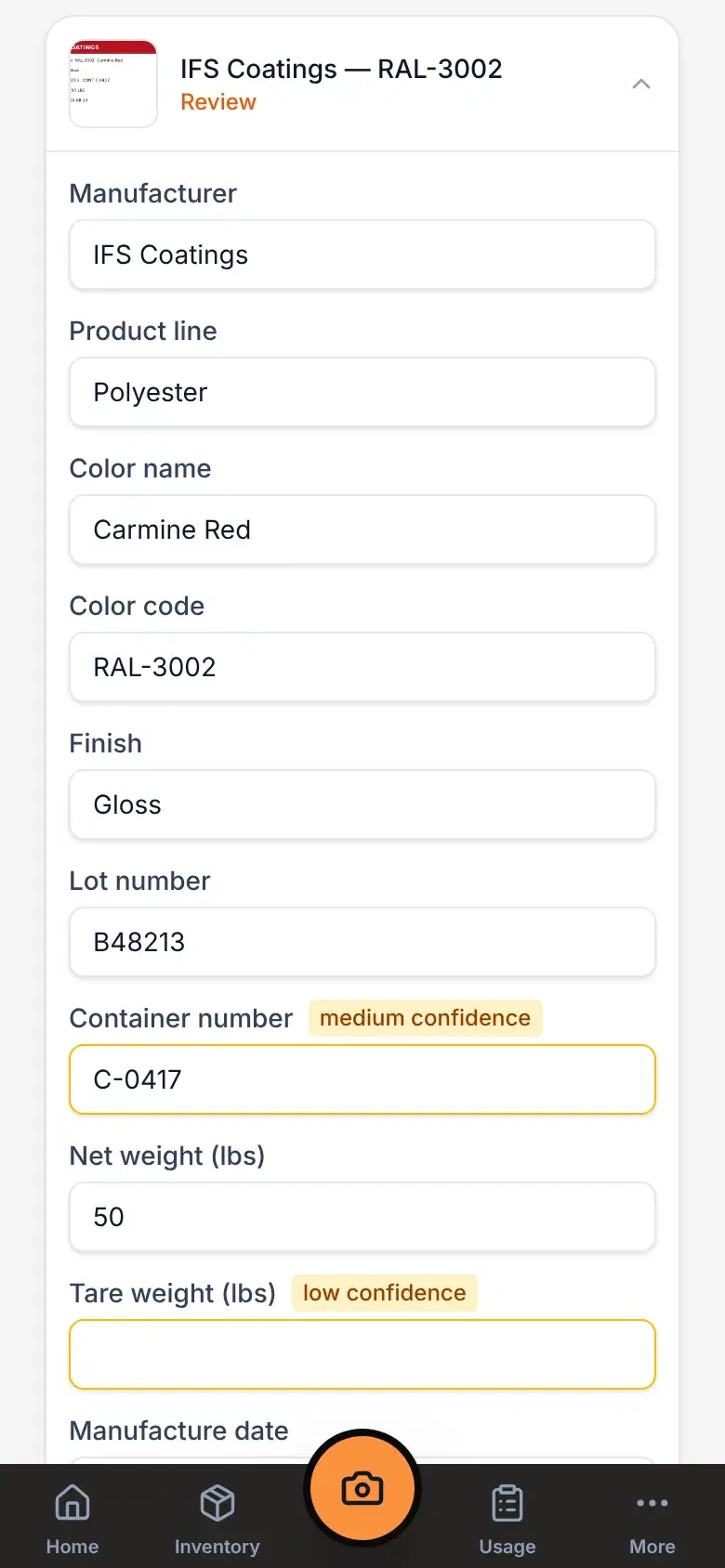
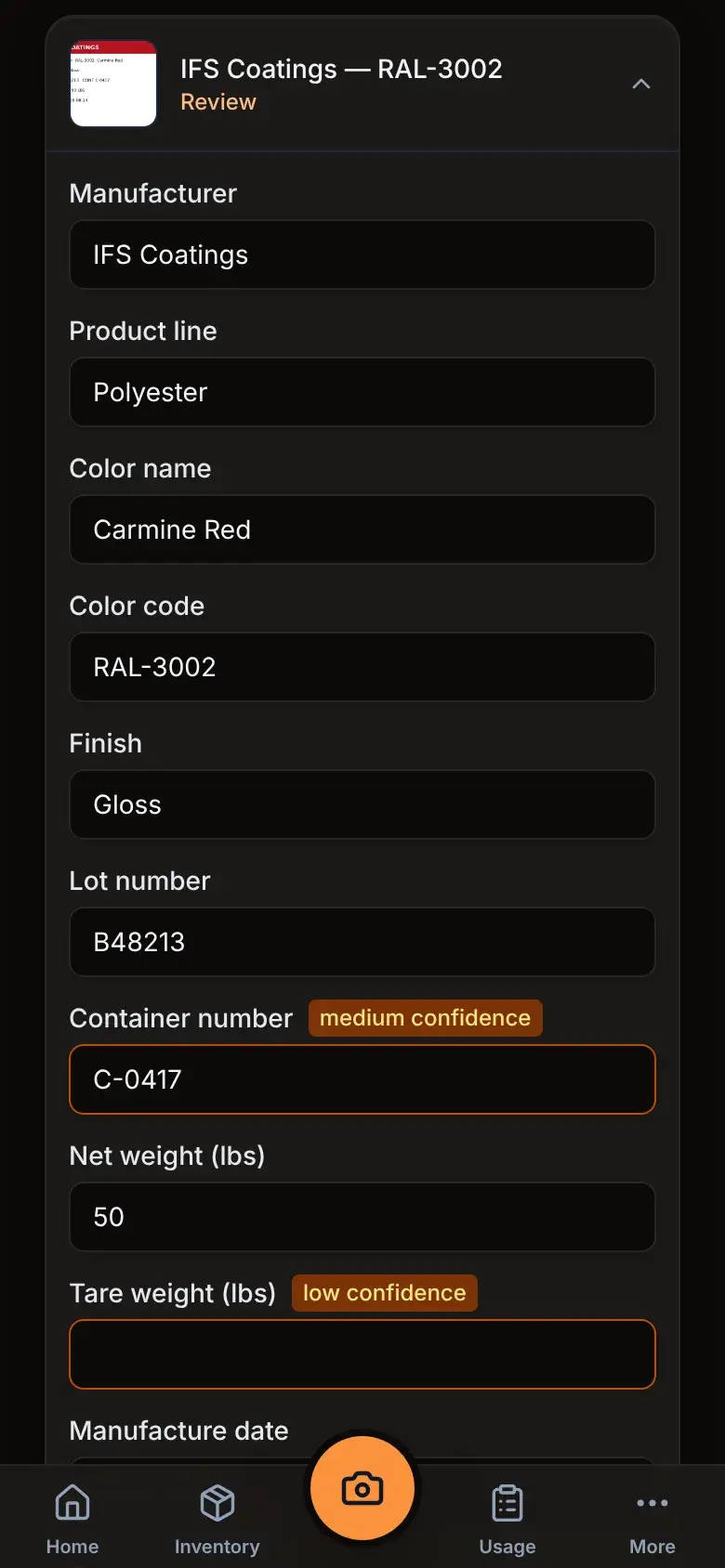
A scanned label in the app, ready to review and save.
Step 2 · Look around
Here's the rest of the app
Real screens from a sample shop. Tap through to see what each one does.
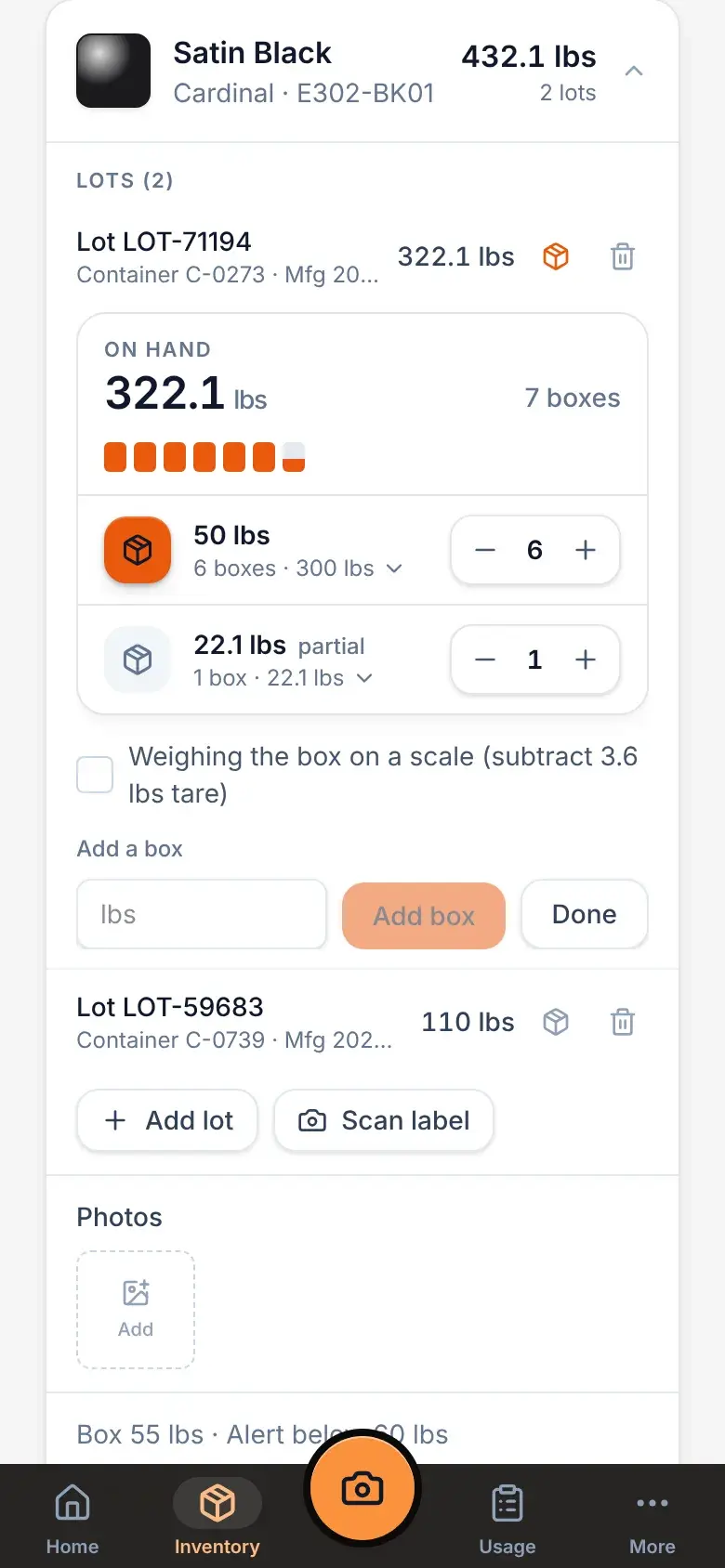
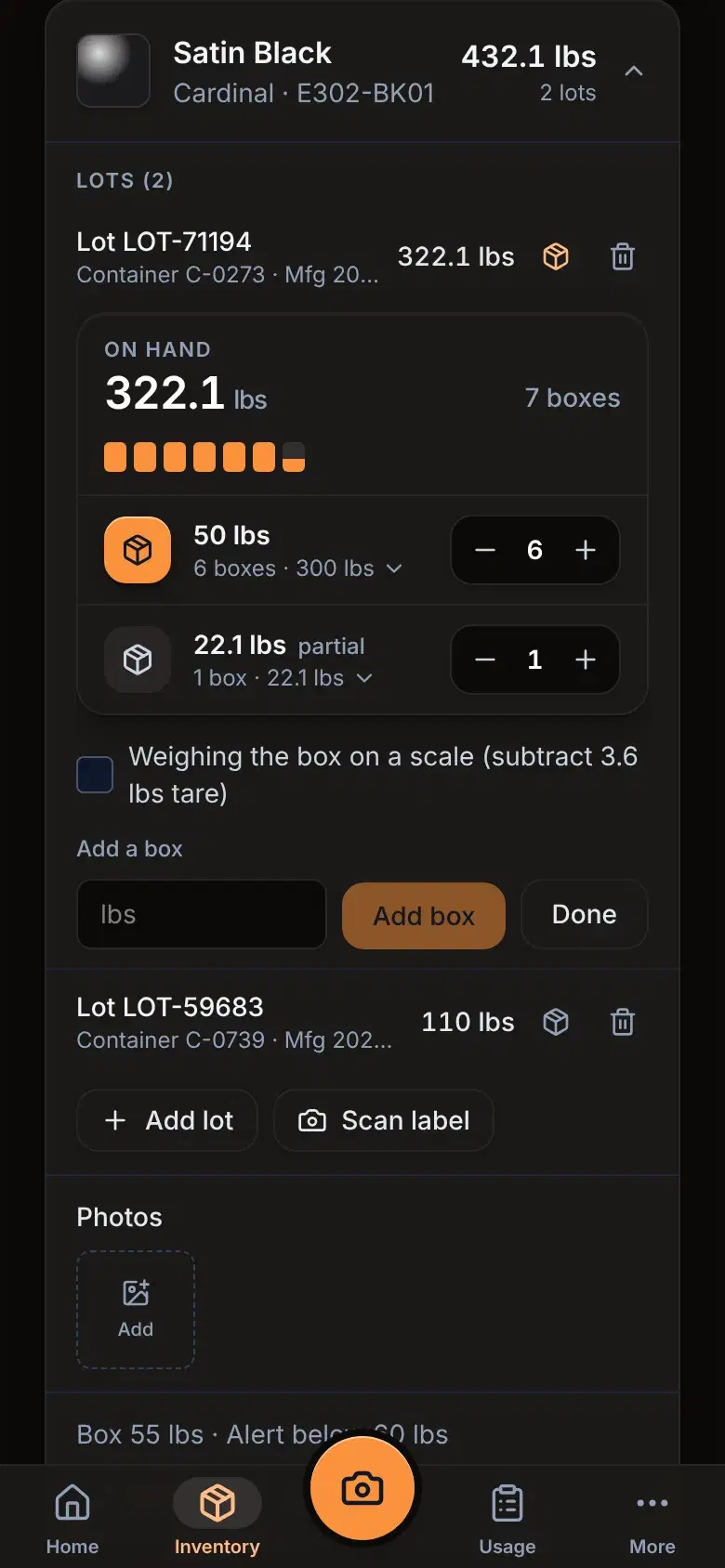
Every lot and every box, down to the pound
Each powder shows what’s on the shelf by lot, and each lot shows the boxes in it.
- Boxes grouped by weight, with + and − to add or use one
- Grouped by manufacturer and color code, with real swatches
- Low-stock flags when a powder drops under its reorder level
- Search by name, code or brand in a second